

Charging for something you made feels strange the first time.
Not technically strange. Emotionally strange. There’s a voice in your head that says: “Who am I to charge for this? What if people think I’m greedy? What if I set it too high and everyone leaves? What if I set it too low and they think it’s junk?”
I felt all of that with both Ocho and Banded. And I’ve watched other first-time founders stall for weeks on pricing while their app sat finished on a hard drive, launched to no one.
So let’s deal with the feeling first, then the mechanics.
Charging is not greedy. Charging is how you stay alive long enough to keep improving the thing. A free app that the founder abandons in four months because they can’t justify the time helps nobody. The user who pays is the user who gets support, updates, and a founder who answers their email.
Where this sits in the whole journey
This series walks the entire path from “I have an idea” to “my app is live and earning,” in six steps:
Validate - is the idea worth building?
Design - make something you’re proud of, without a designer
Build - ship it with AI agents directing the code
Ship - get it on the App Store
Money - get people to actually pay (you are here)
Growth - your first 1,000 users
Step five is the one most founders skip or guess on. This post gives you the free overview. The full step-by-step Paywall Playbook is below the line, with a decision worksheet for your model and price.
The three models, plainly explained
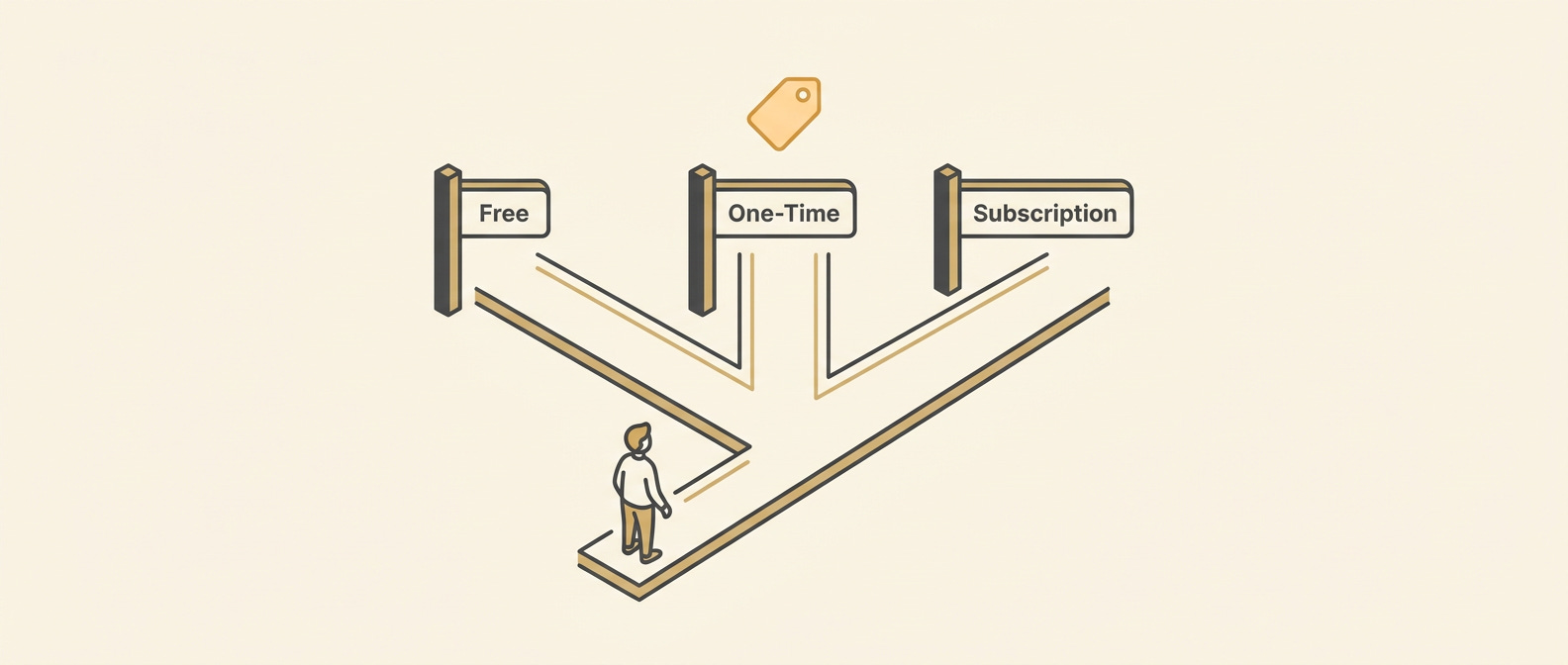
Every app monetizes one of three ways:
Free - no money from users. You make money from ads, or you don’t. Free is not a business model for a small app. It is a distribution strategy that only works if you have the volume to sell ads or use the app as a lead gen for something else. If you are a non-technical solo founder reading this, free is almost certainly wrong.
One-time purchase - the user pays once and owns the app forever. Good for tools with a clear permanent value (a calculator, a reference guide, a template generator). Hard to grow because you have to keep finding new buyers. No recurring revenue, so no compounding.
Subscription - the user pays monthly or annually for ongoing access. The App Store default for apps with ongoing value: fitness, learning, habit tracking, productivity, anything where the app keeps doing something for you over time. It feels harder to sell, but it’s the model that lets a solo founder build a real business.
There is also a hybrid: free to download, some features free forever, a paid upgrade that unlocks the rest. This is called freemium, and it’s what both Ocho and Banded launched with. The free layer builds trust and drives word of mouth. The paid layer is where the business lives.
The question is not which model sounds best in theory. The question is: what does my user’s usage pattern look like?
If someone uses your app once and is done, one-time purchase might fit. If someone comes back every day or every week, subscription fits. If your app is genuinely useful for free but meaningfully better with more, freemium fits.
How to think about price
First-time founders almost always underprice. The instinct is: make it cheap so everyone can afford it. The reality is: low prices signal low value, and you need far more subscribers at $0.99 than at $9.99 to reach the same monthly revenue.
A practical anchor: look at your three closest competitors in the App Store. What do they charge? What does their subscription get you? You are not going to out-compete them on price, because that race ends at zero. You compete on the specific thing you do better, at a price in the same neighborhood.
For Banded, the IELTS flashcard app I built with AI agents, RevenueCat handles the subscription and a “pro” upgrade. The pricing I set was informed by what the two or three serious competitors in the IELTS prep space already charged, not by what felt comfortable to me personally.
For Ocho, the weekly-goals app, the logic was simpler: goal and habit apps have a clear price band in the App Store, and I set the subscription near the middle of that band, not at the bottom.
Neither of those decisions was scientific. Both of them were better than guessing.
Where to put the paywall
Early, not late.
The research on this is consistent: apps that show the paywall before the user has gotten deeply into the app actually convert better than apps that try to give everything away first and then ask. The reason is counterintuitive but true: if a user has already used your app for thirty minutes for free, the paywall feels like a sudden door being slammed. If they see the paywall after a short clear demonstration of value, the purchase feels like a natural next step.
“Show value first” doesn’t mean “give away the whole product first.” It means: let the user experience the core moment your app exists for, and then introduce the paywall. One complete loop. Not thirty.
The other important thing: put a free trial on your subscription. A 7-day free trial is standard for subscription apps on iOS. It dramatically reduces the friction of the first purchase, because the user isn’t being asked to trust you with their money before they know what they’re getting. Most users who start a trial do not cancel it.
The honest line
There are paywall patterns that work by tricking people: fake countdown timers that reset, discounts that were never real, subscription terms hidden in tiny text. Do not use them. They work once. They destroy trust. And the App Store will reject your app or pull it if they catch it.
The cleanest paywall is also one of the best-converting ones: here is what you get, here is what it costs, here is how to start a free trial, here is how to cancel. That’s it. Your user is not stupid. Treat them accordingly.
That’s the overview. The decision you still have to make, concretely, is: which model, what price, where does the paywall appear in your specific app, and how do you set it up in RevenueCat so it actually works. That’s what the Paywall Playbook below walks through, with a worksheet you can fill in for your own app tonight.
