

I remember the moment I realized I was not going to write this app myself.
It was not a sad moment. It was actually the first time the whole thing felt possible.
I had the screens designed. I had a name. I had a list of features small enough to matter and clear enough to explain to someone else. And then I understood: “someone else” did not have to be a hired developer. It could be an AI agent, taking direction from me, doing the typing while I made the calls.
That is the premise of this whole series. And this is the episode where it becomes real.
Where this sits in the journey
This is step 3 of 6:
Validate - is the idea worth building?
Design - make something you’re proud of, without a designer
Build - ship it with AI agents directing the code (you are here)
Ship - get it on the App Store
Money - get people to actually pay
Growth - your first 1,000 users
If you skipped step 1, go back. Building before you validate is the most expensive mistake in this journey. If you finished step 2, you should have a set of designed screens and a clear one-line description of what your app does for one person. That’s your build brief. Bring it here.
What “building with AI agents” actually means
Let me clear up something that trips people up.
An AI agent is not a button you press that spits out an app. It is more like a very fast, very patient junior developer who is excellent at following specific instructions but will confidently go in the wrong direction if you give it fuzzy ones. Your job is to give it clear, bounded, verifiable tasks. Its job is to turn those into working software.
The founder who thinks “I’ll just describe my app and the agent will figure it out” ends up with a mess. The founder who thinks “I’ll give the agent one clear task, check the result, and move to the next” ends up with a shipped app.
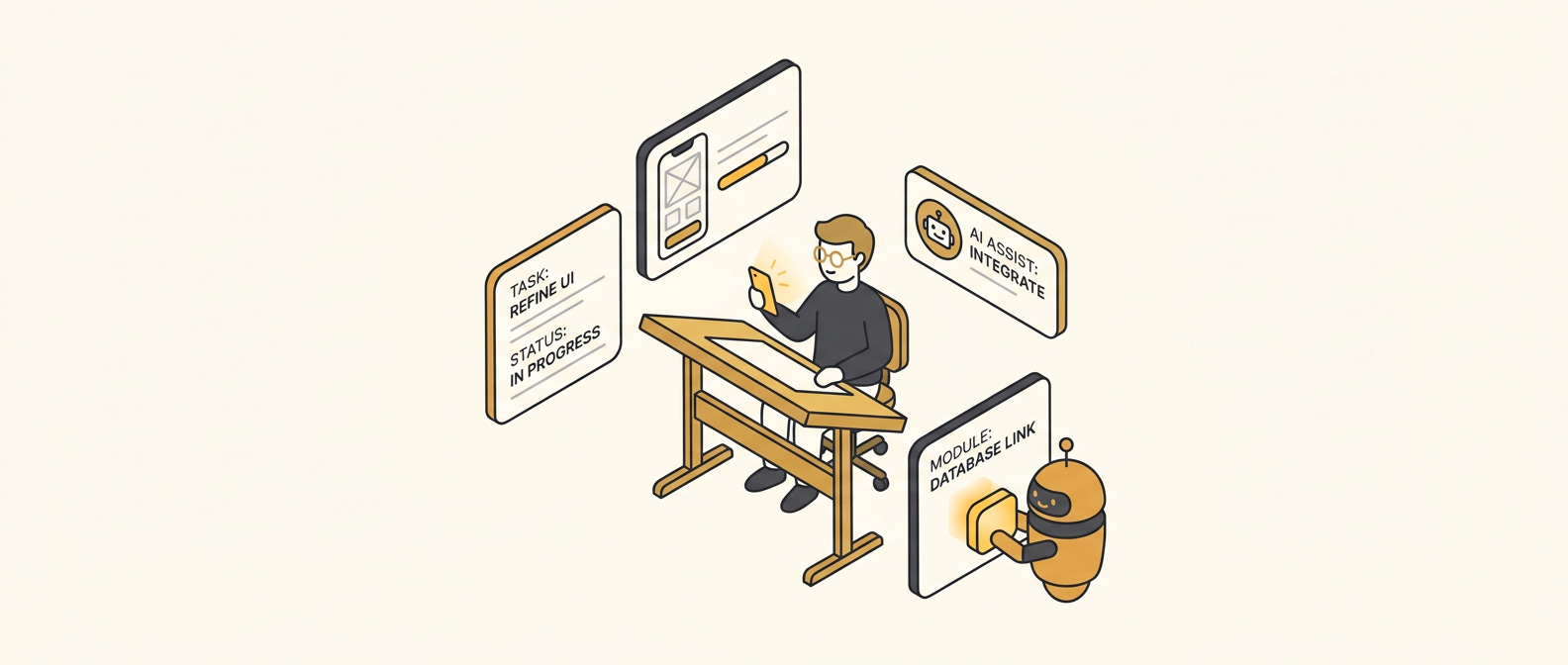
The split is simple: you direct, the agent builds. That division of labor is the whole game.
What you direct
You own every decision that requires judgment. That includes:
What the app does, and what it does not do
Which screen to build next
Whether the thing the agent built is actually what you wanted
When something is good enough to move on
When something is wrong and needs to be redone
None of those decisions require code. All of them require you to have a clear head about what you are building and who it is for.
For Ocho, my weekly-goals app, the core decision I made before a single line of code was written: one goal per week, three things maximum, no carrying over, no streaks. The agent never touched that decision. The agent only learned about it when I described it clearly in a task. Every time I drifted from that decision and asked for “just one more feature,” the app got worse. Every time I held the line, it got better.
For Banded, my IELTS vocabulary flashcard app, the decision was: import first. Before you study a single word, you paste your list. The whole app was designed around that one experience. The agent built exactly that because I told it exactly that. When it suggested a “browse words” mode during one session, I said no. That is directing.
What the agents type
Everything else. The agent writes the code. It sets up the file structure. It connects the screens. It writes the logic that stores your data, shows your content, and responds when the user taps something.
You do not need to understand how it does any of this. You only need to understand what you asked for and whether the result matches it.
The test is simple: open the app on your phone, follow the flow you described, and ask yourself, “does this do what I wanted?” If yes, move on. If no, describe the gap and send the agent back in.
That cycle, describe the task clearly, check the output, correct the gap, is the build loop. It is repetitive on purpose. Each pass makes the app a little more real.
The one mistake that derails most builds
Scope creep in the task description.
When you give an agent a task that contains three different things at once, you get a result that sort-of does all three and fully accomplishes none. The agent is not being difficult. It is doing exactly what you asked, and what you asked was too wide.
The fix is to write each task as a single outcome. Not “build the onboarding and the home screen and fix the button colors.” Instead: “build the onboarding screen that asks the user for their name, shows it in a welcome message, and takes them to the home screen.” One task. Check it. Then the next.
I learned this the hard way on Ocho’s settings screen. I described four things at once, the agent produced four halfway-done things, and I spent an afternoon unwinding it. One task at a time is not slower. It is faster, because you catch problems while they are small.
That is the free overview, and it is enough to get started. But knowing the idea is not the same as having the procedure. The playbook below is the actual step-by-step: how to write a build brief the agent can act on, how to structure your first task, how to catch and correct the gaps, and the worksheet that keeps you from losing your place mid-build.
